




RF and Real-Time System Manufacturing: 6 Steps It Fixes
Kurt AdamsPublished: October 17, 202617 minutes

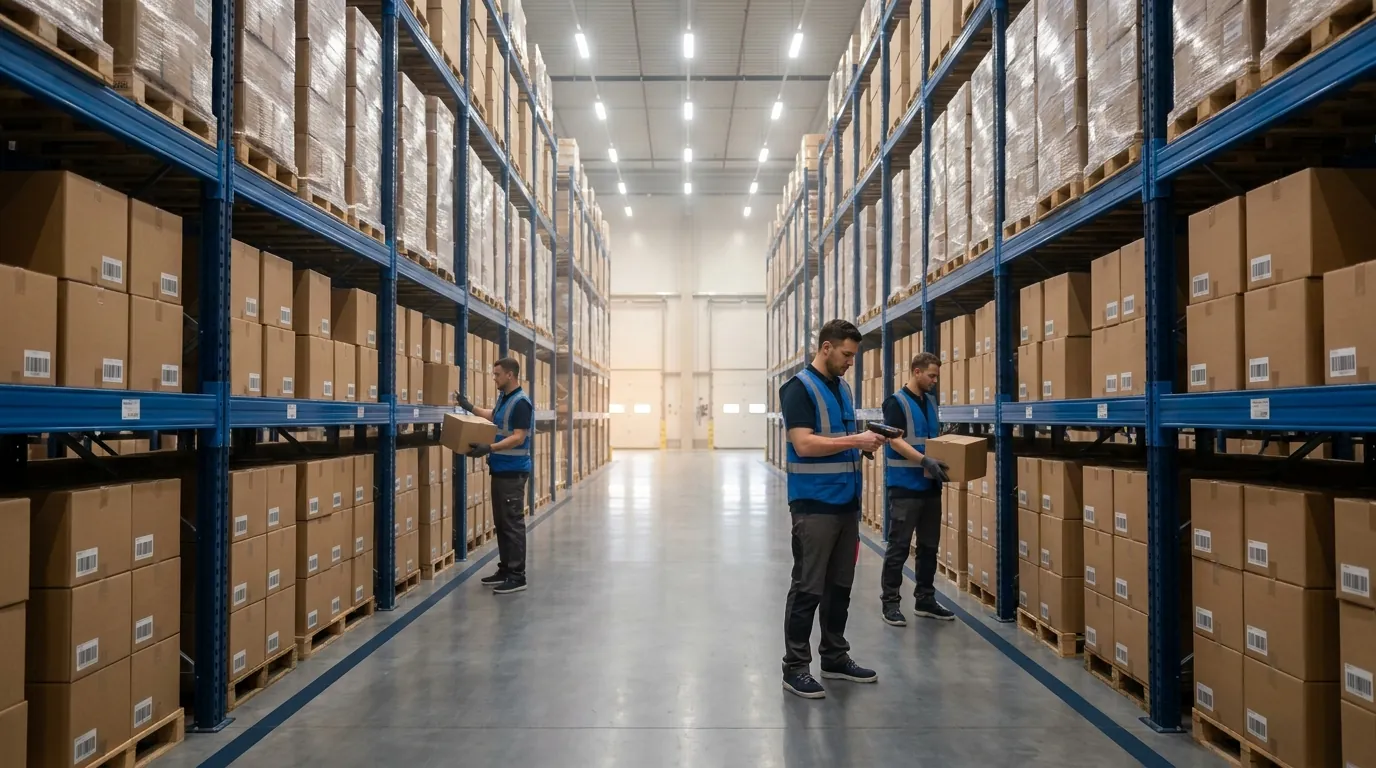
RF and real-time system manufacturing comes down to one practical question. Most plants already own a few barcode scanners, but does each scan update inventory the instant it happens, or does it wait in a queue until someone posts it? This guide explains the idea in plain terms, shows where data breaks down on a typical floor, and walks through six process steps (receiving, staging, consumption, putaway, picking, and returns) where wireless capture paired with immediate posting replaces paper and delay. Each section builds on the one before, moving from definitions to plant problems, then to the floor workflow, system architecture, and finally evaluation.
What RF and Real-Time System Manufacturing Means
The term describes capturing each material and production event on a wireless device the moment it occurs, then processing that data immediately so the system of record matches what is physically in the plant. It joins two ideas: real-time computing, a concept from computer science, and RF data capture, which grew out of warehouse and plant operations.
Knowing both halves helps you tell genuine real-time capability apart from software that only refreshes faster than paper does. The subsections below define the computing side, compare hard and soft deadlines, place RF as the input layer, and contrast two ways of posting transactions.
Real Time Systems in Plain Language
Software qualifies as real-time when it must respond to an event within a defined window for its output to be useful. Correctness means producing the right answer and producing it on time. A pick instruction that shows up after the operator has already walked past the location is accurate and still worthless.
In a plant, these systems react to events such as a pallet received, a lot consumed, or a job closed out. They update records and instructions quickly enough that the next person or machine acts on current data. The acceptable window varies widely: a safety interlock needs microsecond precision, while an inventory update only has to land within seconds, before the next transaction depends on it.
A useful test when evaluating any product: ask what happens downstream if a transaction posts one minute late, then one hour late. If the answer shifts from "nothing" to "the wrong pallet gets staged," that process needs live posting rather than a periodic upload.
Hard vs Soft Real-Time: A Manufacturing View
Computer scientists divide time-critical computing into two categories based on what happens when a deadline slips. The differences look like this from a plant perspective.
On the hard side:
- Deadline rule: a missed deadline counts as a failure.
- Typical response window: microseconds to milliseconds.
- Plant examples: PLC motion control, safety interlocks, robotic weld timing.
- Typical platform: PLCs, dedicated controllers, specialized operating systems.
- Failure impact: equipment damage, safety risk, scrap.
On the soft side:
- Deadline rule: late responses lose value but remain tolerable.
- Typical response window: milliseconds to seconds.
- Plant examples: inventory updates, directed picking, putaway instructions, traceability lookups.
- Typical platform: WMS, MES, ERP integrations, RF applications.
- Failure impact: delays, errors, rework, lost visibility.
Most warehouse and execution software belongs in that second group, and that does not make it any less important. A few seconds of latency is acceptable. Hours of delay waiting for a scheduled posting is not. Manufacturing execution systems also fit here, coordinating jobs and materials at human speed rather than machine speed.
RF as the Input Layer for Real-Time Data
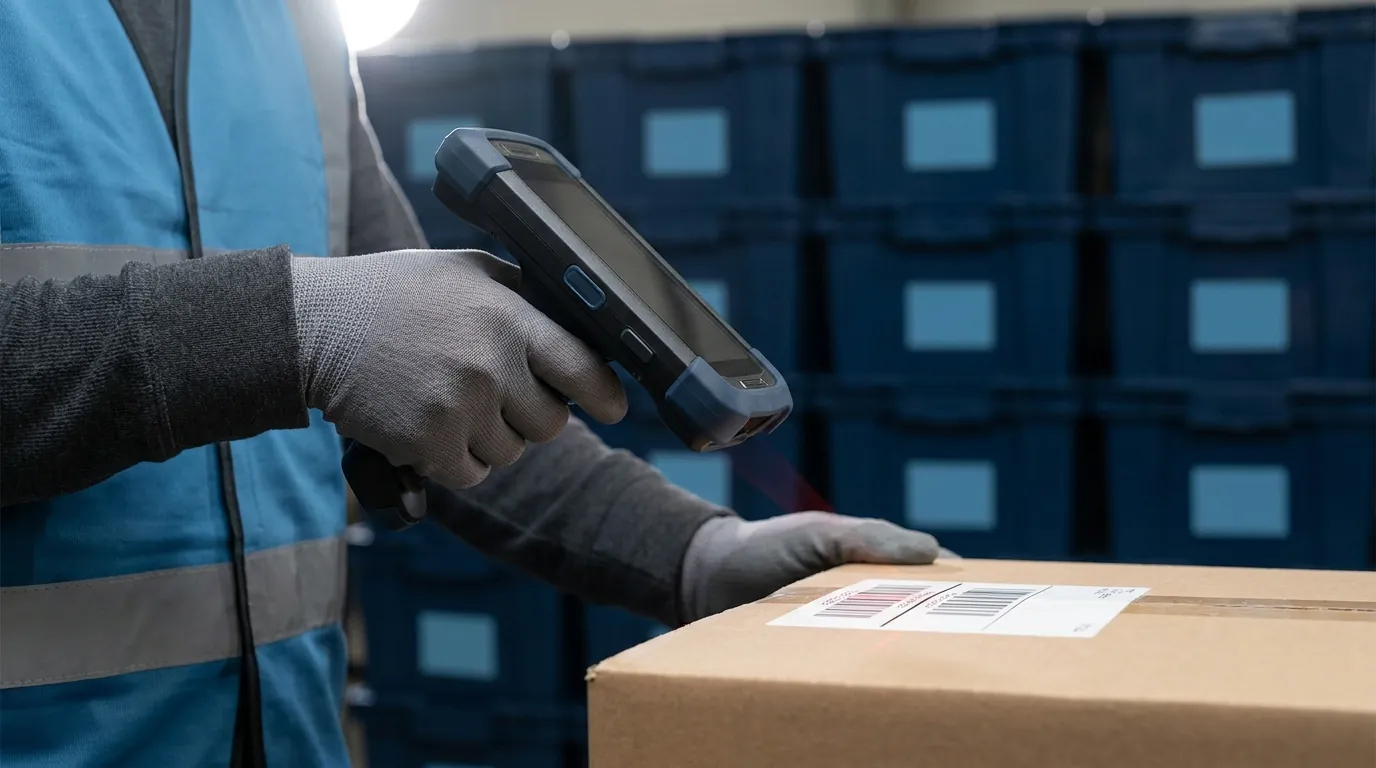
RF here means radio frequency data capture: handheld or truck-mounted barcode scanners that send each scan over a wireless network to a central system. Some plants add RFID tags, but barcode RF remains the workhorse in most manufacturing operations.
The reason it matters is simple. Software can only be as current as its inputs. When data arrives through clipboards and end-of-shift keying, even very fast software reports yesterday. RF moves capture to the spot where work happens, so item, location, lot, quantity, and user are recorded in one scan sequence while the operator is still standing at the rack, dock door, or work cell. That scan-level detail is what lot, serial number, and expiration tracking depends on, a topic covered further on our page about inventory tracking for manufacturers.
Batch vs Real-Time Processing on the Plant Floor
Batch posting collects transactions and records them in groups, often hourly, once per shift, or overnight. The live approach records each transaction as it occurs. Here is how the two compare on the factors that matter most to a plant:
- Data latency: batch runs hours to a full day behind; live posting lags by seconds.
- Inventory accuracy: batch figures drift between postings, while live figures reflect current physical state.
- Material staging: batch staging relies on stale availability; live staging uses current locations and quantities.
- Traceability: batch requires reconciling paper and reports, whereas lot and serial history can be queried immediately with live data.
- Error detection: under batch, problems are found after the fact; with live capture they are flagged at the scan.
- Decision-making: batch keeps supervisors reactive; live data lets them act before a problem reaches the line.
Scheduled jobs still suit reporting and financial close, but they are a poor fit for running daily production, where every staging, picking, and putaway decision needs today's numbers.
Take Control of Your Shop Floor
From production scheduling to quality control, ASCTrac MES gives manufacturers the tools to optimize every step.
Request a Demo
Where Real-Time Data Breaks Down in Manufacturing Processes
Most plants are not short on data. What they lack is information current enough to trust. Counts get written on clipboards, typed in hours later, parked in spreadsheets, or trapped inside machine controllers that never exchange records with business software. Every handoff adds delay and another opportunity for a mistake.
The breakdowns described here show up in both discrete plants and process plants. Identifying which ones exist on your floor is the starting point for deciding where wireless capture and live posting will pay back first.
Paper Travelers and End-of-Shift Keying
A paper traveler follows a job from station to station, picking up handwritten quantities, lot numbers, and operator sign-offs. Later, often at shift end or the following morning, a clerk types those entries into the ERP. A 7 gets read as a 1, two digits swap places, or the sheet goes missing under a pallet. Until that keying is done, the business system has no record that material moved or was consumed.
An RF setup changes the timing. A handheld scan at each production stage can record the move as it happens, so the transaction exists the moment the operator completes it rather than whenever the paperwork catches up.
Spreadsheet Inventory and Disconnected ERP
Raw materials, work in process, and staging lanes frequently live in spreadsheets because the ERP does not model those locations well. A spreadsheet is usually edited by one person at a time, multiplies into conflicting copies, and stays invisible to every other application. Meanwhile, the ERP posts updates in batches. Planning, purchasing, and the floor end up working from three different pictures of stock.
Dedicated manufacturing inventory software closes this gap by giving those in-between locations a home in the same system that tracks finished goods. A warehouse management system with MES and MRP functions, for instance, can cover discrete as well as process production, so work orders and the materials feeding them can sit in one database instead of a shared drive.
Siloed Automation
Automated storage, carousels, and conveyors often run on their own controllers with little connection to inventory or execution software. Operators re-enter data between systems or toggle among separate screens. The equipment moves quickly, yet the information surrounding it lags behind, which caps the return on a significant capital purchase.
Closing that gap requires software that can issue commands to the machines while keeping stock logic in the same place, a role covered in the architecture section below. For background on how control software layers divide this work, see the difference between a WMS, WCS, and WES.
The Consequences: Inaccuracy, Stoppages, Slow Recalls, and Picking Errors
These gaps lead to outcomes that are predictable and expensive:
- Inventory inaccuracy: system quantities drift away from physical counts, prompting rush purchases and more frequent cycle counts.
- Line stoppages: material appears available on screen but cannot be located, or was already consumed, so production sits idle.
- Slow recalls and weak traceability: tracking down a lot, serial number, or expiration date means pulling paper files and cross-referencing reports, which can stretch into days. Regulated sectors feel this most, as the challenges in pharmaceutical storage and distribution illustrate.
- Picking and shipping errors: wrong items, wrong lots, or expired goods leave the building, generating returns, chargebacks, and compliance exposure.
Every one of these traces back to data that showed up too late to act on. Scan-verified directed picking, lot-level tracking, and immediate posting address them where they start, on the floor, rather than weeks later in a report.
How RF Scanning and Live Data Transform Each Manufacturing Process Step
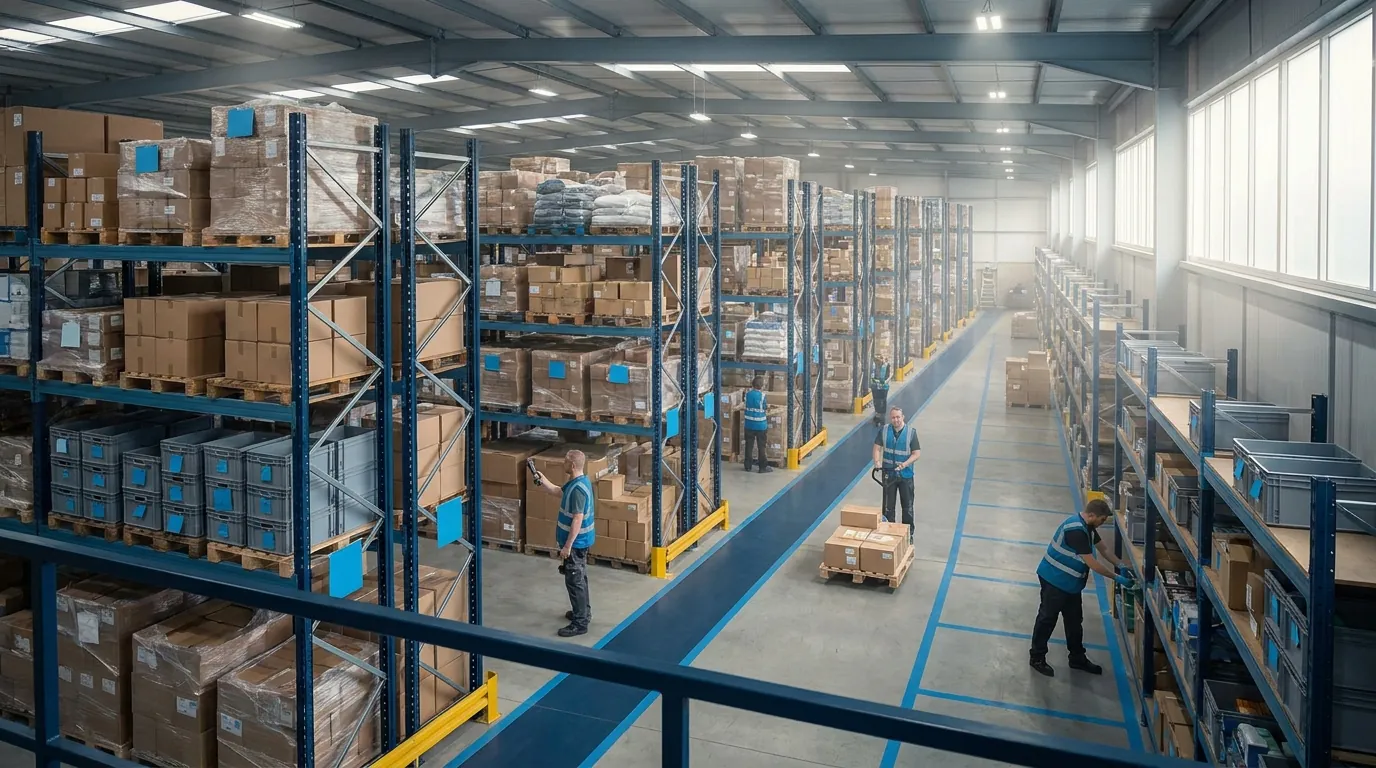
Follow a pallet of raw material from the dock to a customer's truck and you can see where scanning earns its keep. At each handoff, a barcode read takes the place of a clipboard note or a keystroke made hours later. The system answers with an updated record or the next task.
The steps below describe what RF-driven processing can generally do on a plant floor. Capabilities differ from vendor to vendor, so treat this as a map for evaluating any platform, including the manufacturing execution (MES) tools that sit alongside inventory control.
Receiving
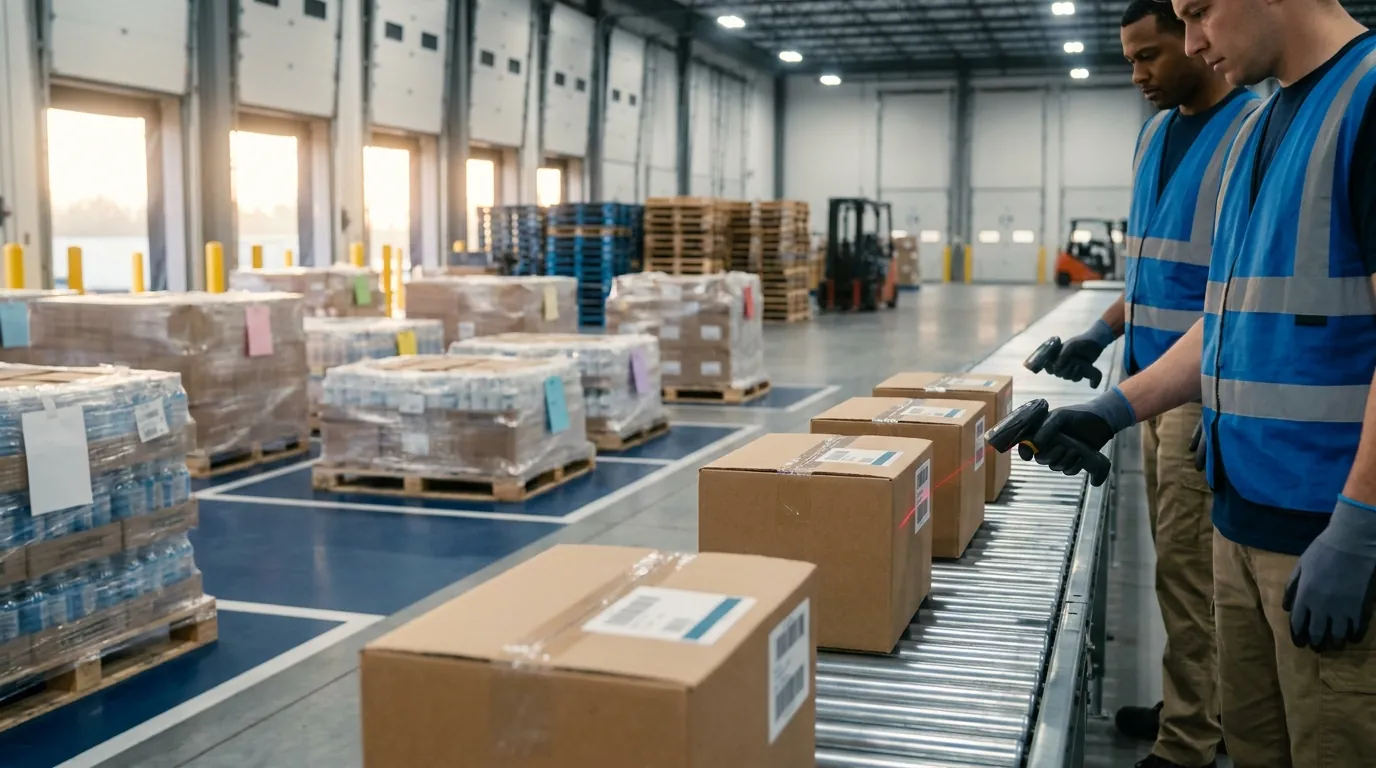
Dock operators scan inbound cartons against the expected purchase order. An RF system can capture item, quantity, lot number and supplier at the moment of receipt. Many systems can also record expiration dates right at the dock, so shelf-life rules apply from the very first transaction. Short shipments or wrong items get flagged while the carrier is still parked, rather than surfacing when a line runs out of parts.
Raw Material Staging and Kitting
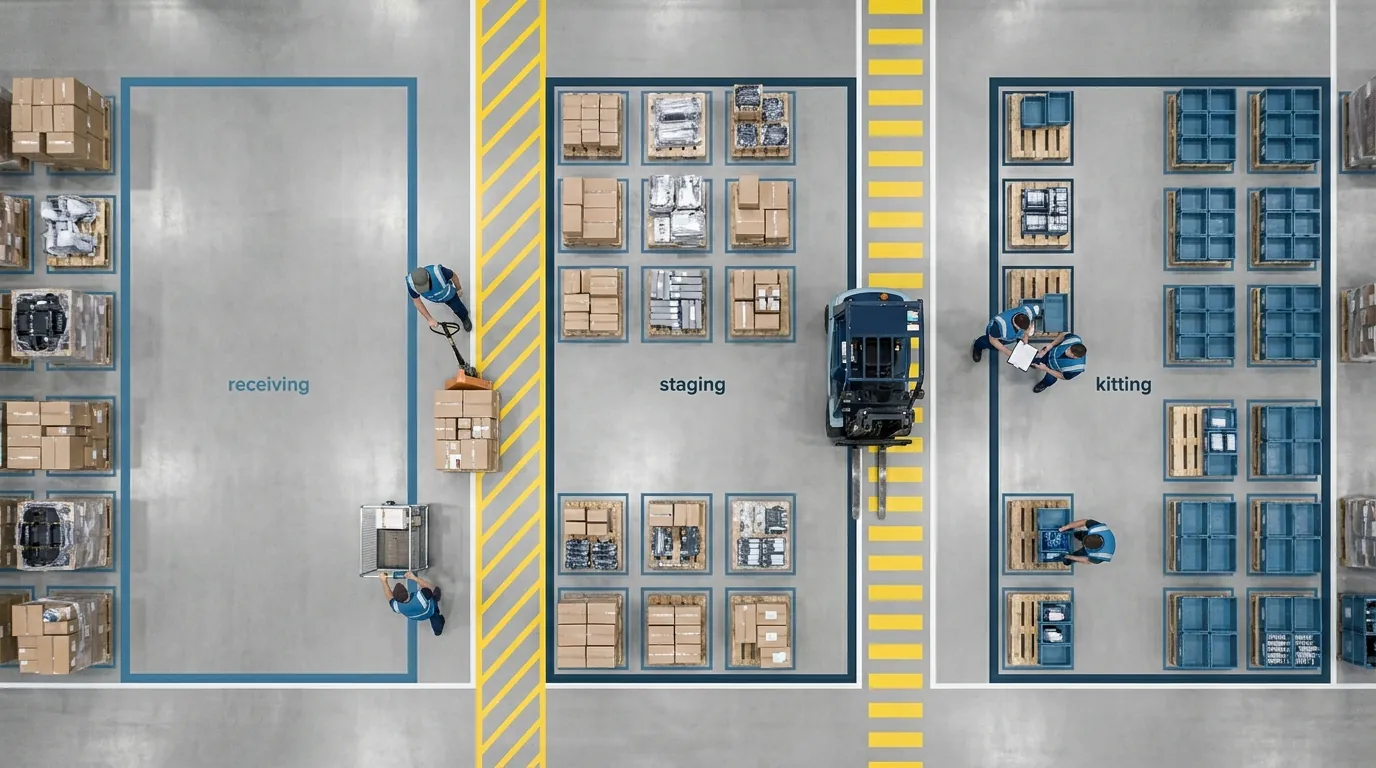
Kitting only works when the system knows where each component sits and how much is on hand. With live location data, operators are sent to a specific bin and lot, scan every component into the kit, then confirm the staging spot. Planners can see which work orders are complete and which are short before anyone on the line is standing idle.
Consider a hypothetical plant that builds pump assemblies. If one gasket lot is placed on quality hold, a scan-driven kitting screen can steer the operator to an approved lot instead of letting an incomplete or noncompliant kit travel to the cell.
Production Consumption and Work-in-Process Moves
When material is issued to a work order, a scan records exactly which lots and serials went into the job. In general, RF tools can replace paper travelers with scanned moves between operations, so WIP status and location update as the job advances. Those consumption records form the genealogy link between incoming lots and finished units, which is the backbone of any recall investigation. ASCTrac provides detailed tracking of lots, serial numbers and expiration dates for this purpose.
Finished Goods Putaway
Completed product is labeled and scanned off the line. A real-time platform can direct putaway by rule. ASCTrac, for example, directs finished goods by item number, lot number, zone or skid/pallet ID. Goods land where they belong and become available for allocation immediately, with no wait for a batch posting.
Directed Picking and Shipping
Directed picking routes operators to specific locations in a sensible sequence, and each scan confirms item, lot and count. Rotation rules such as first-expired, first-out can be enforced at the scan, which cuts down on wrong-lot and out-of-date shipments. That discipline matters most in regulated settings, as covered in our look at what makes a pharmaceutical warehouse management system succeed. A final shipping scan records what left the building and against which order.
Returns of Unused Production Materials
Leftover material coming back from the line is a classic cause of inventory drift, because it is rarely recorded with care. Scanning returns to stock with the correct lot and bin keeps counts honest and turns partial lots into usable inventory for the next job. ASCTrac supports direct returns of these leftover materials as part of its manufacturing workflow, and its manufacturing inventory page describes that capability in more detail.
RF vs Manual Data Capture: Side-by-Side
The list below summarizes how scan-based capture differs from paper at each stage.
- Receiving. Manual: handwritten packing slip notes, keyed later. RF: scanned against the PO on arrival, posted immediately.
- Staging and kitting. Manual: pick lists printed from stale data. RF: operators sent to live bins and lots.
- Production consumption. Manual: entries on a paper traveler. RF: consumed lots and serial numbers logged with a scan.
- WIP moves. Manual: location unknown until someone keys the traveler. RF: scanned moves between operations.
- Putaway of completed product. Manual: the operator chooses a spot and writes it down. RF: a rule-directed slot, confirmed by barcode.
- Picking and shipping. Manual: a visual check. RF: item, lot, and quantity verified with each read.
- Returns to stock. Manual: often never recorded. RF: scanned back into a known bin and lot.
- Traceability lookup. Manual: hours to days. RF: minutes.
Inside the Architecture: RF Devices, Networks, WMS/MES, ERP, and Automation
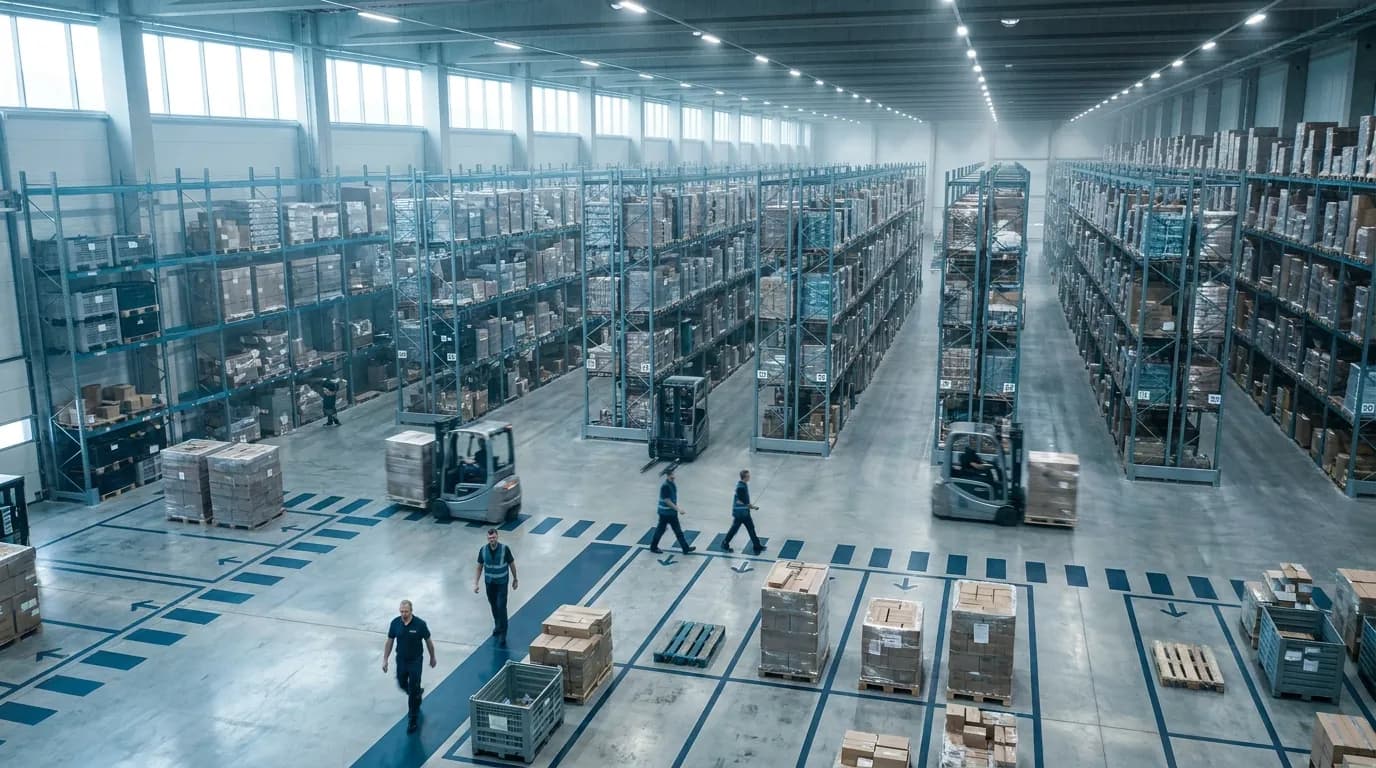
A live manufacturing environment is a stack of layers, and any one of them can become the bottleneck. Plant leaders don't need to design that stack themselves. Knowing how the pieces fit helps them ask sharper questions of vendors and keeps IT, OT, and operations working from a shared picture. The layers below run from the scanner in an operator's hand up through business systems and out to automated equipment.
Handheld and Vehicle-Mounted RF Devices
Handheld scanners fit work done on foot: receiving, kitting, cycle counting, and line-side checks. Vehicle-mounted terminals belong on forklifts and tuggers handling putaway and replenishment. Their larger screens and constant power from the truck make long sessions practical. When comparing devices, look at:
- Scan range. An extended-range imager can often read a top-level rack label from the floor.
- Durability ratings for drops and dust.
- Glove-friendly input.
- Battery life that lasts a full shift without a swap.
Cold storage, washdown areas, and hazardous zones often call for specialized hardware. List those environments before requesting quotes.
Wi-Fi Coverage and Latency
A scanner is only as current as the wireless network behind it. Steel racking, machinery, and dense product such as bottled liquids absorb or reflect signals. That leaves dead spots where a scan hangs or fails. A professional wireless site survey maps coverage, interference, and how devices roam between access points. Aim for consistent, low-latency coverage everywhere a transaction happens, including dock doors, mezzanines, freezers, and yard areas. One weak aisle can push operators back to writing counts on paper.
The WMS/MES Layer
The warehouse management system (WMS) controls inventory locations, receiving, putaway, picking, and shipping. The manufacturing execution system (MES) manages work orders, material consumption, WIP, and production tracking. In a plant these functions overlap heavily. Operations run more smoothly when both share one live inventory record instead of syncing between separate databases.
ASCTrac includes MES/MRP capabilities for discrete and process manufacturing, along with a Shop Floor module for inventory tracking. For a broader look at how these pieces connect, see this manufacturing inventory system guide.
ERP Integration
The ERP stays the system of record for finance, purchasing, and planning. Integration sends orders and item masters down to the WMS/MES. It also posts receipts, consumption, and shipments back up. Agree in writing on three things:
- Which system owns each data element.
- How often each transaction type posts.
- Who resolves failed messages.
Without those rules, a nightly batch can quietly reintroduce the delays the RF rollout was meant to remove.
The Real-Time Control Layer for Automated Equipment
Automated storage and retrieval systems, vertical lift modules, carousels, and conveyors need software that tells them what to retrieve or store and when. When the WMS fills that role, inventory logic and equipment instructions come from one place, so operators are not toggling between screens. In ASCTrac, that job belongs to a "system brain" that controls automated picking and putaway systems, with several equipment brands supported.
Edge, OPC UA, MQTT, and IIoT Context for IT/OT Teams
For IT/OT readers, a plant running live data capture increasingly pulls in industrial IoT (IIoT) data from machines and sensors. Three pieces come up most often:
- Edge computing processes that data close to the source to cut latency.
- OPC UA is a vendor-neutral standard for secure machine-to-system communication.
- MQTT is a lightweight publish-subscribe protocol suited to frequent sensor readings.
Frameworks such as ISA-95 help teams agree on which functions belong at the control, MES, and ERP levels. That agreement keeps two systems from both trying to own the same decision.
Implementing and Evaluating a Real-Time Platform for Your Plant
Moving from batch or paper processes to scan-driven, immediate posting is as much an operational change as a technical one. Plants that succeed plan for infrastructure, data, security and people from day one, then roll out in stages that prove value early. Below are the obstacles you are likely to meet, practices that lower risk, the criteria that differ between discrete and process producers, and where ASCTrac fits.
Common Challenges: Legacy Equipment, Data Silos, and Cybersecurity
- Legacy equipment: Older machines and automation often lack modern interfaces. Expect to budget for gateways or middleware so that an aging filler or press can report its status.
- Data silos: Item masters, location lists and lot records frequently live in spreadsheets, departmental databases and standalone tools. Clean and consolidate them before go-live. Otherwise, scanners will simply capture bad data faster.
- Cybersecurity: Every handheld, vehicle-mount terminal and connected machine widens the attack surface. Segment plant networks, require strong wireless authentication, manage device credentials centrally, and align controls with frameworks such as the NIST Cybersecurity Framework and ISA/IEC 62443.
- Process inconsistency: When first and second shift perform the same task differently, standardize the procedure before you automate it. If you skip this step, the software locks in the variation.
Best Practices: Site Surveys, User Adoption, and Phased Rollout
- Survey first: Complete a wireless site survey before buying devices or committing to a launch date. Metal racking, freezers and tall stacks of product all affect coverage.
- Involve operators early: Bring floor leads into workflow design and testing. People adopt screens that match how they actually work.
- Train by role: Receivers, forklift drivers, kitters and supervisors each need different instruction, so build sessions around their daily tasks rather than the full menu.
- Phase the rollout: Start with one process, often receiving and putaway. Once that phase is stable, extend to staging, production and picking.
- Define success measures: Record baseline inventory accuracy, picking accuracy and the time needed to trace a lot before launch, so improvement can be measured honestly.
Evaluation Criteria for Discrete vs Process Manufacturers
The two production styles stress different parts of the software, so weigh these areas according to how your plant actually runs:
- Traceability focus: discrete plants track serial numbers and component genealogy; process operations follow lot numbers, batch genealogy, and expiration dates.
- Units of measure: discrete shops count eaches, assemblies, and kits, while formulators deal in weight, volume, catch weight, and conversions.
- Production model: assemblers run on work orders, routings, and BOMs; batch producers use formulas, recipes, batches, and co-products.
- Inventory rules: revision control and kitting dominate assembly environments, whereas shelf life, FEFO, and quality hold dominate process work.
Both types of plant should confirm that the platform supports live directed workflows, lot and serial tracking, ERP integration, and control of any automated storage equipment already installed or planned. If carousels, vertical lift modules or shuttles are on your roadmap, our guide to automated storage and retrieval systems explains how that equipment works alongside warehouse software.
How ASCTrac Fits Real-Time Manufacturing Workflows
ASCTrac, developed by ASC Software, is a real-time WMS and MES built for manufacturers. Within production workflows, it supports:
- System-directed picking in real time that guides operators through each pick.
- Finished goods putaway by item number, lot number, zone or skid/pallet ID.
- Direct returns of unused production materials back to inventory.
- Detailed tracking of lots, serial numbers and expiration dates for traceability.
- Shop Floor module inventory tracking for materials on the production floor.
- MES/MRP for both discrete and process manufacturing.
- A real-time control "system brain" for automated picking and putaway systems, with several brands supported.
For more detail, read about its manufacturing execution capabilities and its inventory software for manufacturers. When you are ready to see how these workflows could apply in your own facility, Request a Demo.
Frequently Asked Questions
What does RF and real-time manufacturing mean?
It means capturing each material and production event on a wireless scanner as it happens, then processing that data immediately so the system of record matches the plant floor. Handheld or truck-mounted barcode devices send each scan to a WMS or MES, recording item, location, lot, quantity and user in one sequence while the operator is still at the rack or work cell.
What's the difference between hard and soft real-time in a factory?
Hard real-time treats a missed deadline as a failure and responds in microseconds to milliseconds, as with PLC motion control and safety interlocks. Soft real-time tolerates brief delays and responds in milliseconds to seconds. Inventory updates, directed picking and putaway instructions fall in the soft category, where a few seconds of latency is fine but hours of waiting for a scheduled posting is not.
Why is batch posting a problem for daily production?
Batch posting records transactions in groups, often hourly, once per shift or overnight, so system quantities drift away from physical stock between postings. Staging and picking decisions then rely on stale availability, and mistakes surface after the fact instead of being flagged at the scan. Scheduled jobs still work well for reporting and financial close, but running the floor requires current numbers.
What should we check before rolling out RF scanners in a manufacturing facility?
Start with a professional wireless site survey, because steel racking, machinery and dense product such as bottled liquids create dead spots where scans hang or fail. Coverage should be consistent and low latency at dock doors, mezzanines, freezers and yard areas. After that, compare devices on scan range, drop and dust ratings, glove-friendly input and battery life that lasts a full shift.
What manufacturing capabilities does ASCTrac offer?
ASCTrac, from ASC Software, is a real-time WMS and MES with MES/MRP for discrete and process manufacturing. It supports real-time system directed picking, finished goods putaway by item number, lot number, zone or skid/pallet ID, direct returns of unused production materials, lot and serial tracking with expiration dates, and Shop Floor module inventory tracking. It also serves as a real-time control "system brain" for automated picking and putaway systems, with several brands supported.
How do evaluation criteria differ for discrete and process manufacturers?
Discrete manufacturers usually prioritize serial numbers, component genealogy, work orders, routings, BOMs, revision control and kitting. Process manufacturers focus on lot and batch genealogy, expiration dates, formulas and recipes, plus units like weight, volume and catch weight. Process plants also need shelf-life rules, FEFO rotation and quality holds, while both types should confirm directed workflows, ERP integration and control of any automated storage equipment.