




What Is an RF Scanner? 4 Types and the WMS Behind Them
Kurt AdamsPublished: October 27, 202615 minutes
What Is an RF Scanner?
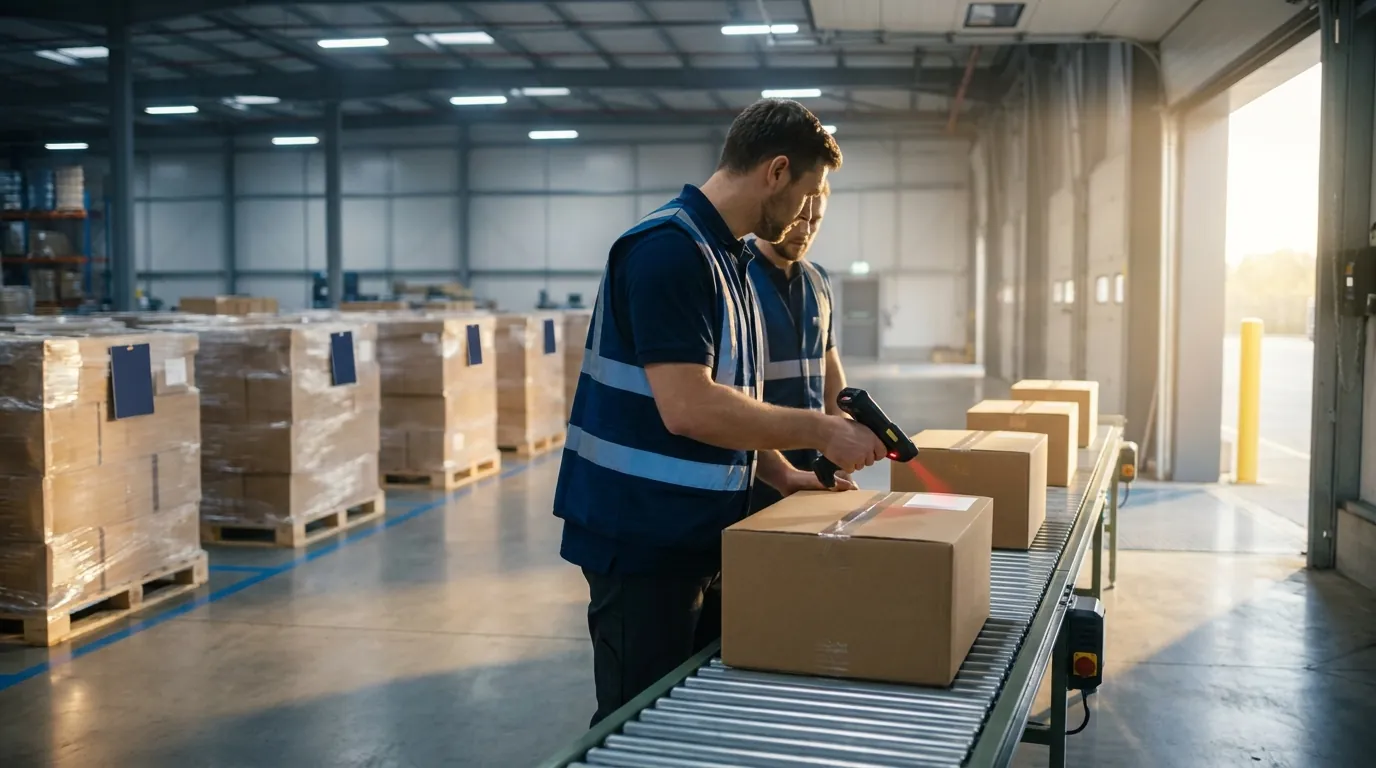
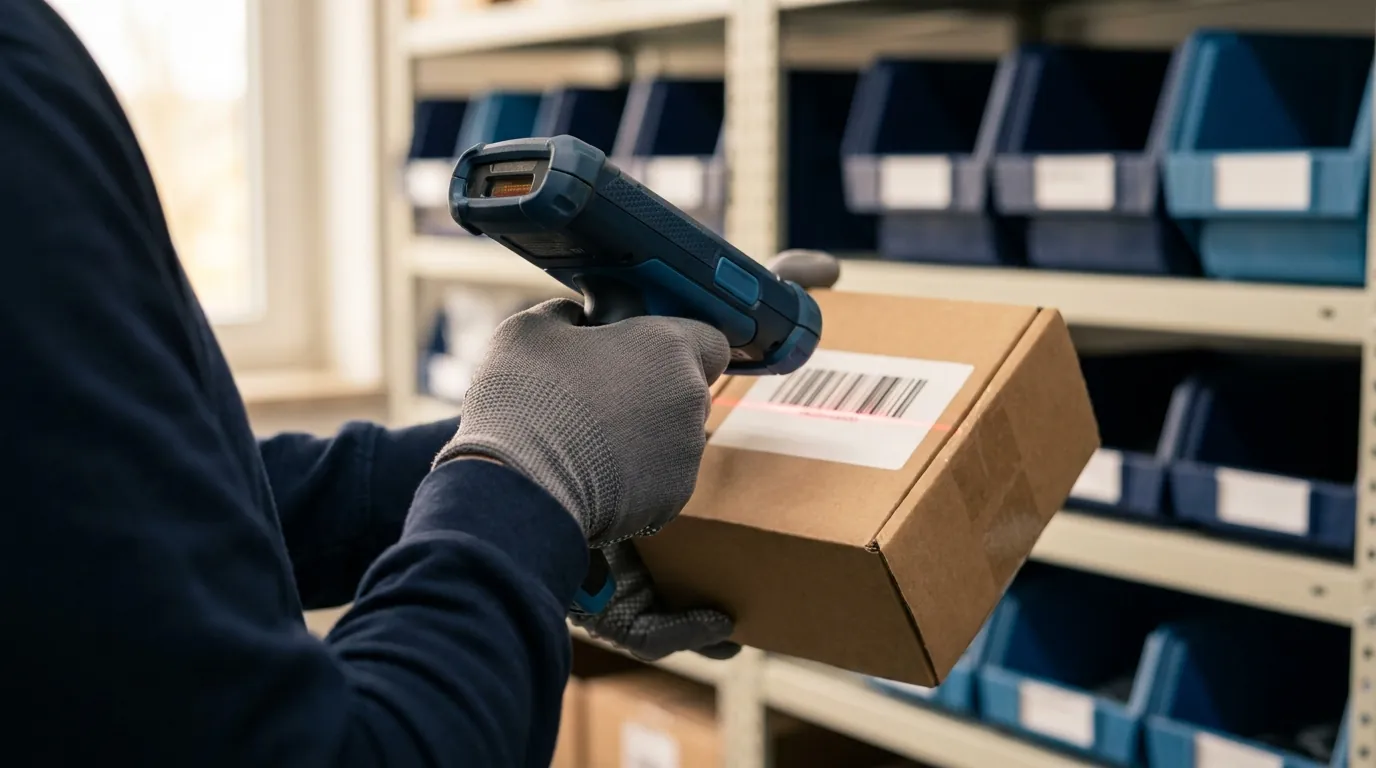
Put simply, the RF scanner is a handheld or mounted barcode computer that sends each scan to your warehouse software instantly over a wireless network. RF stands for radio frequency, the same radio technology that carries Wi-Fi signals. Rather than storing scans for a later upload, the device talks to the system while the worker is still standing at the location.
That live connection is the whole point. Because the WMS sees every read as it happens, it can confirm the right item, quantity and slot, or reject a mistake before it turns into an inventory error. It can also push the worker's next assignment to the same screen.
On most warehouse floors, "RF gun," "mobile computer" and the name in this section's heading all mean the same thing: a rugged barcode device on the network. An RFID reader is something else, since it reads tags by radio instead of reading printed barcodes with light. The subsections below cover how the data travels, what sits inside the hardware and how it compares with other scanning methods.
How RF Data Moves: Scanner to Access Point to WMS
The data path is short. A worker scans a label, and the imager decodes it into text such as a SKU, lot number or location code. The handheld transmits that text by radio to the nearest Wi-Fi access point, a network device mounted in the ceiling or racking. From there, the wired network carries it to the WMS server or cloud application.
The software checks the scan against open orders, expected receipts and location records, then responds in a fraction of a second. The reply might be a confirmation, an error message or a fresh instruction. Older setups sometimes relied on proprietary 900 MHz radios. Current models use standard Wi-Fi on the 2.4 GHz and 5 GHz bands, and some newer units also support 6 GHz.
Key Components of an RF Scanner
Each device combines a few core parts, and every one of them shapes daily work on the floor:
- Imager or scan engine: Reads barcodes. 1D engines handle linear symbologies such as UPC and Code 128. 2D imagers add matrix codes like QR and GS1 DataMatrix, and they can capture 1D codes from any angle, which makes scanning faster.
- Display: Shows tasks and prompts. Larger, sunlight-readable screens help on docks and in yards.
- Keypad or touchscreen: Physical keys suit gloved hands and freezer work. Touchscreens fit app-style workflows.
- Operating system (OS): Usually Android today. Legacy fleets often still run Windows CE or Windows Mobile, which Microsoft no longer supports.
- Battery: Hot-swappable packs let a worker change power without shutting down, so multi-shift operations keep moving.
RF Scanner vs. Batch Scanner vs. RFID Reader
These three tools often get lumped together, but they behave differently:
- RF gun (real-time): Reads barcodes and sends each one immediately over Wi-Fi. The WMS validates on the spot and directs what comes next.
- Batch scanner: Holds scans in memory and uploads them later through a cradle or cable. It costs less and works without Wi-Fi, but errors surface only after the upload, when the worker has already moved on.
- RFID reader: Uses radio waves to pick up RFID tags, small chips with antennas, without line of sight. UHF (ultra-high frequency) RFID can capture many tags at once from several meters away. It requires tagged items and separate infrastructure.
Many modern mobile computers include both a barcode imager and an RFID module. For most small and mid-market warehouses, though, barcode-based RF scanning remains the practical foundation.
Smarter Warehouse Management Starts Here
ASCTrac WMS delivers real-time visibility, automated workflows, and seamless ERP integration for warehouses of every size.
Request a Demo
How an RF Scanner Works in the Warehouse
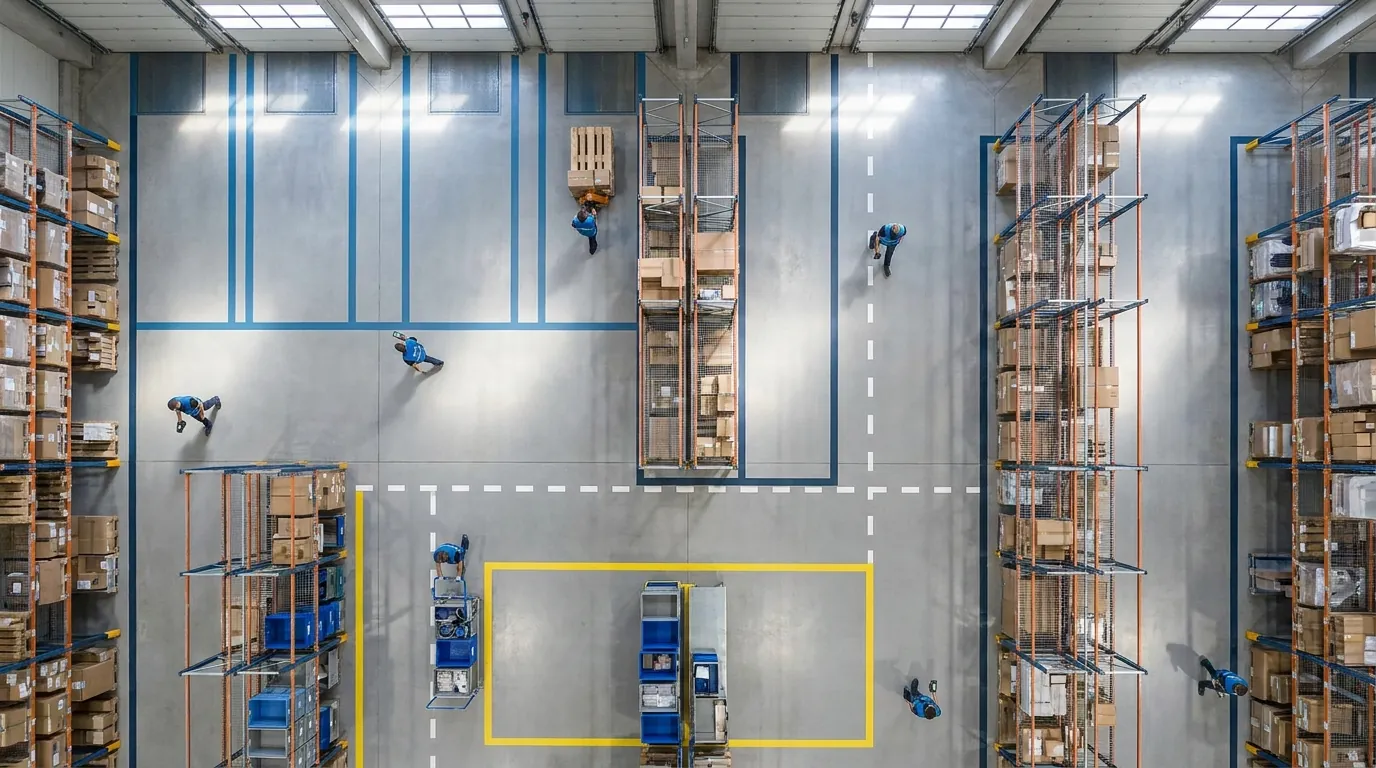
In a scanner-driven warehouse, nearly every inventory movement begins and ends with a scan. The handheld or mounted device acts as the worker's eyes and ears for the warehouse management system (WMS), confirming what was touched, where it went and how many units moved.
The real payoff is error-proofing at the point of work. Paper and batch processes surface mistakes during reconciliation, hours or days later. Real-time RF scanning catches them while the worker is still holding the carton, when a fix takes seconds.
The walkthrough below follows inventory from dock to dock. In each workflow, the device captures data while the WMS supplies the logic: what is expected, where it belongs and what happens next. If you are unsure where that logic ends and equipment control begins, see how a WMS differs from a WCS and WES.
Receiving
At the inbound dock, the receiver scans the advance ship notice (ASN), purchase order or license plate number (LPN) on each pallet. The system compares each scan against expected receipts and flags overages, shortages or wrong items immediately.
- Lot and expiry capture from 2D barcodes, typically encoded to GS1 standards, supports traceability for food, pharma and other regulated goods.
- Instant label printing for unlabeled inbound goods keeps everything scannable downstream.
- Immediate availability means received stock can be allocated to orders right away instead of waiting for paperwork to be keyed in.
Putaway
Next, the WMS directs the operator to a specific storage position based on rules such as product velocity, size, temperature or hazard class. The worker scans the item, travels to the suggested slot and confirms by scanning its location barcode.
A wrong location scan stops the transaction before the pallet disappears into the racking. This validation is one of the simplest controls RF scanning offers, and one of the most valuable, because misplaced inventory is a common cause of phantom stockouts.
Picking and Replenishment
For picking, the screen shows the next location, item and quantity in an optimized travel sequence. The picker scans the bin, then the product, and confirms the count. Wrong-item and wrong-quantity picks get caught before the order reaches packing.
Replenishment follows the same pattern. When a forward pick face drops below its minimum, the WMS generates a task that appears on a device, often a vehicle-mounted unit on a lift truck. The driver scans at the reserve location and again at the destination face, so pickers are less likely to arrive at an empty slot.
Cycle Counting
Cycle counting means checking a small portion of inventory regularly instead of shutting down for a full physical count. The WMS assigns counts by location, item class or exception, such as a bin where a picker reported a shortage.
Counters scan each position and its contents, then key in quantities. The system can require a blind count, hiding the expected quantity to avoid bias. Variances are flagged immediately for a recount or supervisor review, which keeps accuracy steady without disrupting daily work.
Packing and Shipping
At pack stations, scanning each item into a carton confirms the order is complete before the box is sealed. The WMS can then print the shipping label and packing list automatically.
On the outbound side, loaders scan cartons or pallets onto the correct trailer. This load verification prevents mis-shipments to the wrong customer or carrier and gives customer service a time-stamped record of what left the building and when.
Types of RF Scanners Compared
Scanning hardware comes in four main form factors. The right choice depends less on spec sheets and more on what workers do with their hands, how far they stand from the barcode and whether they move on foot or on equipment.
Most warehouses end up with a mix. A typical mid-market site might use handhelds for receiving and counting, wearables for high-volume each picking, vehicle-mounts on lift trucks and fixed units over conveyors. A third-party logistics provider serving several clients may need all four in one building. Two ruggedness terms come up often. An IP (ingress protection) rating, such as IP65, describes resistance to dust and water, and higher numbers mean better protection. A drop spec, such as 6 ft (1.8 m) to concrete, states the height a device has been tested to survive.
Handheld Mobile Computers
This is the classic RF gun: a rugged computer with a screen and an imager, built with either a pistol grip or a smartphone-style "brick" body. It is the most versatile option, covering receiving, putaway, cycle counting, returns and general tasks.
Pistol grips reduce wrist strain during scan-heavy work, while touch-only models feel familiar to anyone who owns a phone. Choose long-range imagers if staff read high rack labels, and physical keypads if they wear heavy gloves.
Wearable and Ring Scanners
Wearables pair a ring or back-of-hand imager with a wrist-mounted computer, or with a separate host over Bluetooth. Because both hands stay free, they excel at each picking, sorting and packing, where an associate scans and handles items hundreds of times per shift.
The trade-offs are a smaller display, shorter read distance and extra work managing paired devices. Fit matters, so test units with real pickers before a broad rollout.
Vehicle-Mount Terminals
Vehicle-mount computers (VMCs) attach to forklifts, reach trucks and tuggers and draw power from the vehicle. Their large screens are readable from the seat, and they usually connect to a corded or cordless long-range imager that reads rack labels several meters away.
They fit putaway, replenishment and pallet moves well. Insist on screen blanking while the truck is in motion, since operator distraction is a real safety concern.
Fixed-Mount Scanners
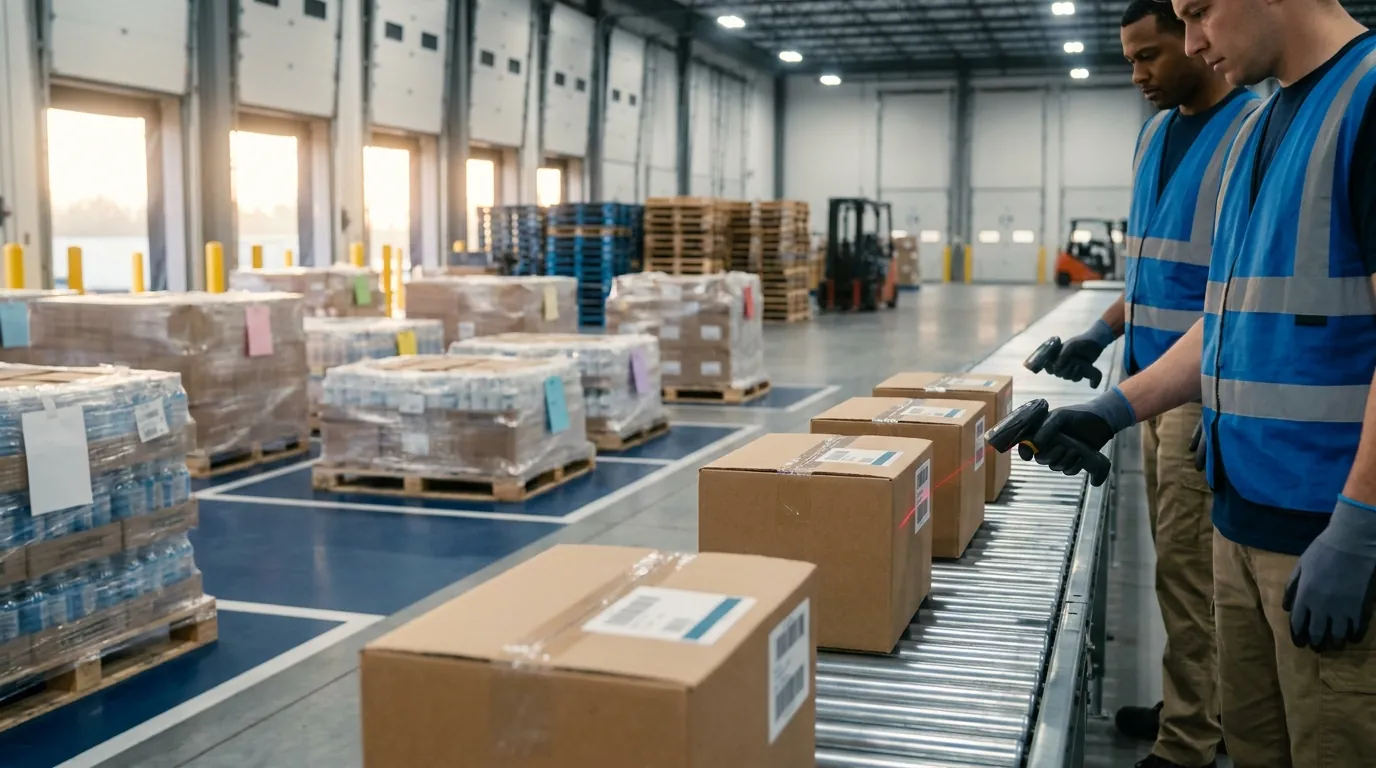
Fixed units sit at one point, such as above a conveyor, at a dock door or inside a multi-camera tunnel, and read codes automatically as cartons pass. No worker interaction is needed.
They suit sortation, automated pack verification and busy dock doors. Placement, consistent label positions and integration with conveyor controls all take planning, but the payoff is removing repetitive scanning from people entirely.
RF Scanner Comparison Table
The summary below condenses the four form factors into one view. Use it as a starting point for a shortlist, then match each entry to the task map described in the next section.
- Handheld mobile computer: Fits receiving, putaway, counting and returns. It is the most flexible choice, with the widest accessory selection, though it occupies one hand. Expect IP54 to IP67 sealing and 4 to 8 ft drop ratings, battery life covering a full shift with hot-swap on many models, mostly Android with some legacy Windows, standard 1D/2D imaging with RFID sleds or built-in modules, and read distance from near to far depending on the engine.
- Wearable or ring scanner: Suits piece picking, sortation and pack stations. Hands-free operation gives a fast scan cycle, but the small screen and Bluetooth pairing add upkeep. Sealing of IP54 to IP65 is typical. Batteries are smaller, so sites keep charged spares nearby. Hosts are Android wrist units or paired devices, imaging is 1D/2D with RFID rarely offered, and range runs short to mid.
- Vehicle-mount terminal: Built for putaway, replenishment and moving full pallets. The large display and truck power are strengths; the drawback is that each unit stays tied to one vehicle. Look for IP65 or IP66 enclosures with vibration ratings, vehicle power backed by an internal cell, Android or Windows, a paired imager (RFID through add-ons) and long reach when combined with a tethered long-range scanner.
- Fixed-mount scanner: Placed over conveyors, at dock doors and at pack verification points. It removes labor from every read and handles very high throughput, but its location is set and integration takes effort. Units sit in industrial enclosures on wired power, run embedded software managed centrally, use cameras or fixed RFID portals, and read within a fixed field of view.
Figures are typical, not guarantees. Confirm every rating on the manufacturer's specification sheet for the exact model you plan to buy.
How to Choose the Right RF Scanner for Your Warehouse
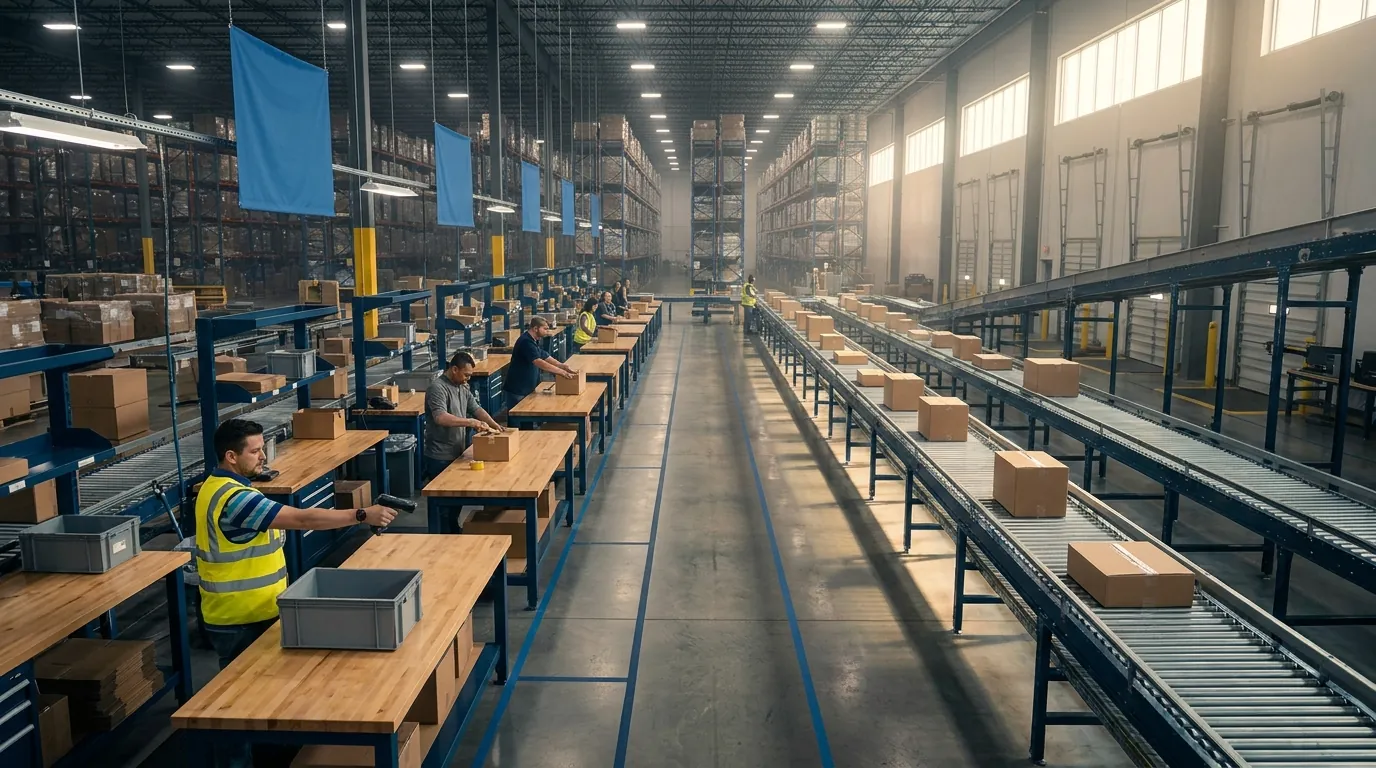
Start with your workflows, not a vendor catalog. Write down each task, who performs it, where it takes place and roughly how many scans it requires per hour. A receiving clerk scanning cartons at a dock door has different needs than a forklift driver confirming putaway locations near the top of a rack. That map usually narrows the options to one or two form factors per task.
Next, compare finalists against the criteria below. If you are retiring a Windows CE or Windows Mobile fleet, use the transition to reconsider how handhelds connect to your software, since the operating system change tends to raise that question anyway.
Environment, Scan Distance and Ergonomics
- Environment: Cold storage calls for freezer-rated units with heated screens or anti-condensation features, plus keypads that respond to insulated gloves. Docks and yards need displays readable in direct sunlight and higher IP ratings against rain and dust.
- Scan distance: Standard-range imagers handle shelves and totes well. Extended-range imagers read high rack labels from the floor or a lift truck, which saves climbing and reaching.
- Ergonomics: Weight, grip and trigger position add up over a full shift. Ask actual operators to test the shortlist, and include left-handed workers.
Operating System Lifecycle and Device Management
Android has become the standard platform for rugged handhelds, in part because Windows CE and Windows Mobile no longer receive support. Ask each vendor how many years of Android version upgrades and security patches it commits to per model. That commitment, more than the hardware itself, sets how long a device stays usable.
Plan for management from day one. A mobile device management (MDM) or enterprise mobility management (EMM) platform lets IT push apps, enforce settings, lock units to work applications and locate misplaced devices. Without one, keeping even 30 scanners configured becomes tedious manual work.
Total Cost of Ownership
Sticker price is only one piece. Total cost of ownership (TCO) also covers:
- Batteries, chargers, cradles and holsters
- Support and repair contracts, including accidental damage coverage
- A spare pool to cover units out for repair
- MDM licensing and IT hours
- Downtime caused by failures, sluggish devices or dropped connections
Fleet size matters as well. Peak periods bring temporary staff onto the floor, so base purchase quantities on forecast demand and expected headcount instead of average daily volume. A cheaper consumer-grade device that breaks often can end up costing more than a rugged model once replacements and lost productivity are counted.
Infrastructure Prerequisites: Wi-Fi, Labels and Software Access
Three foundations determine whether any handheld performs as expected:
- Wi-Fi coverage: Commission a site survey covering rack aisles, freezers, mezzanines and docks. Metal racking and dense inventory absorb signal and create dead zones. Test roaming between access points so sessions do not drop mid-aisle.
- Label and barcode standards: Standardize symbologies, location label formats and label placement. GS1 standards, including GS1-128 barcodes and SSCC pallet labels, support compliance with customer and supplier requirements.
- Terminal emulation vs. native apps: Terminal emulation (TE) mirrors a text-based host screen on the device and is common with older systems. It functions, but it restricts touch input, images and offline handling. Native or browser-based WMS mobile apps use the full capabilities of the hardware and adapt more easily as workflows change.
Why Your WMS Determines RF Scanner ROI
Here is the point most hardware guides skip: the device in an operator's hand does not know what belongs on a shelf, where a pallet should go or which order comes next. It reads a barcode and passes along a string of characters. Every validation, instruction and inventory update happens in the warehouse management system.
That explains why two buildings running identical hardware can end up with very different results. One treats its scanners as digital clipboards that feed a batch upload at the end of a shift. The other uses them as the front end of a live system that directs and checks every move. The return on investment comes from the second approach, which is why the software side deserves as much scrutiny as the devices. If you are weighing platforms, our overview of the key requirements for an effective WMS covers what to look for.
ASC Software's WMS is designed around that model. Each scan becomes a validated transaction plus a clear next step, so the hardware you choose delivers the accuracy and productivity you paid for.
From Scans to Directed, Validated Tasks
With a capable WMS behind it, the handheld works as a task screen rather than a data-entry tool. A WMS can direct putaway to the correct location, sequence picks to reduce travel, generate replenishment work when forward slots run low and assign cycle counts, then send each instruction to the appropriate device.
Every step is checked as it happens. A scan of the wrong item, the wrong slot or the wrong quantity is stopped before it becomes a mispick or a lost pallet. Supervisors get a live record of who did what and when, which supports training, labor planning and accountability without extra paperwork. Consider a hypothetical picker who grabs a similar-looking SKU from the neighboring bin. The mismatch is flagged at the shelf, not discovered by an unhappy customer a week later.
Real-Time Inventory Visibility
Because receipts, moves, picks and counts post as they happen, on-hand quantities in ASC Software reflect what is physically on the floor. Customer service can promise orders with more confidence, purchasing sees true availability and finance works from current numbers instead of yesterday's snapshot.
The platform also connects with ERP systems, so inventory and order data captured at the point of work flows to the business systems you already rely on. Nobody has to re-key counts or reconcile spreadsheets at month end.
Scanner and WMS Readiness: Common Rollout Mistakes to Avoid
Review this list before your devices go live. Each item below is a problem that costs far less to solve before launch than after it.
- Ignoring Wi-Fi dead zones: Survey and fix coverage before launch, especially in freezers, dock areas and high-density racking.
- Keeping batch-mode habits: New devices running old batch processes add little value. Redesign workflows around validation at the moment of each scan.
- Non-standardized labels: Inconsistent location and item labels cause read failures and workarounds. Standardize formats and placement first.
- Terminal-emulation lock-in: Porting old green-screen TE sessions to new Android hardware carries the old limitations along. Evaluate native WMS mobile workflows instead.
- Skipping operator testing: Pilot devices and workflows with real users on real shifts, including your busiest ones.
- No device management plan: Decide how units are configured, updated, charged and secured before they arrive.
Request a Demo to see ASC Software's mobile workflows on the kinds of devices you are evaluating.
Frequently Asked Questions
What is an RF scanner used for in a warehouse?
An RF scanner is a rugged barcode computer that sends each scan to warehouse software instantly over Wi-Fi. Workers use it for receiving, putaway, picking, replenishment, cycle counting, packing and shipping. Because the WMS sees every read live, it can reject a wrong item, slot or quantity before it becomes an inventory error, then push the next task to the same screen.
What is the difference between an RF scanner and an RFID reader?
An RF scanner reads printed barcodes with light and transmits the data by radio, while an RFID reader uses radio waves to pick up tags without line of sight. UHF RFID can capture many tags at once from several meters away, but it requires tagged items and separate infrastructure. Some mobile computers include both a barcode imager and an RFID module.
How is a real-time RF scanner different from a batch scanner?
A real-time RF device validates every read against the WMS as it happens, while a batch scanner stores scans in memory and uploads them later through a cradle or cable. Batch units cost less and work without wireless coverage. The drawback is that errors appear only after the upload, when the worker has already moved on to another task.
What are the main types of RF scanners?
There are four main form factors: handheld mobile computers, wearable or ring scanners, vehicle-mount terminals and fixed-mount scanners. Handhelds are the most versatile, wearables keep both hands free for each picking, vehicle-mounts attach to forklifts for putaway and replenishment, and fixed units read cartons automatically over conveyors or at dock doors. Most warehouses end up using a mix.
Do RF scanners still run Windows CE?
Most current rugged handhelds run Android, since Microsoft no longer supports Windows CE or Windows Mobile. Legacy fleets often still use those older systems. When replacing them, ask each vendor how many years of Android version upgrades and security patches it commits to per model, because that commitment largely determines how long a device stays usable on the floor.
What do I need in place before deploying RF scanners?
Three foundations matter most: reliable wireless coverage, standardized labels and the right software access. A site survey should cover rack aisles, freezers, mezzanines and docks, since metal racking creates dead zones. Standardize symbologies and label placement, and favor native or browser-based WMS mobile apps over terminal emulation, which restricts touch input, images and offline handling.